Nearby Rooms
Create a room, wait for nearby devices to discover it, or join a room shown in the nearby list. Passwords are optional.
View room help AeroMesh
Technical Support
AeroMesh
Technical Support
Support Center
AeroMesh is an iOS and iPadOS app for local, internet-free chat between nearby Apple devices. This page covers room discovery, permissions, airplane mode, privacy, and support.
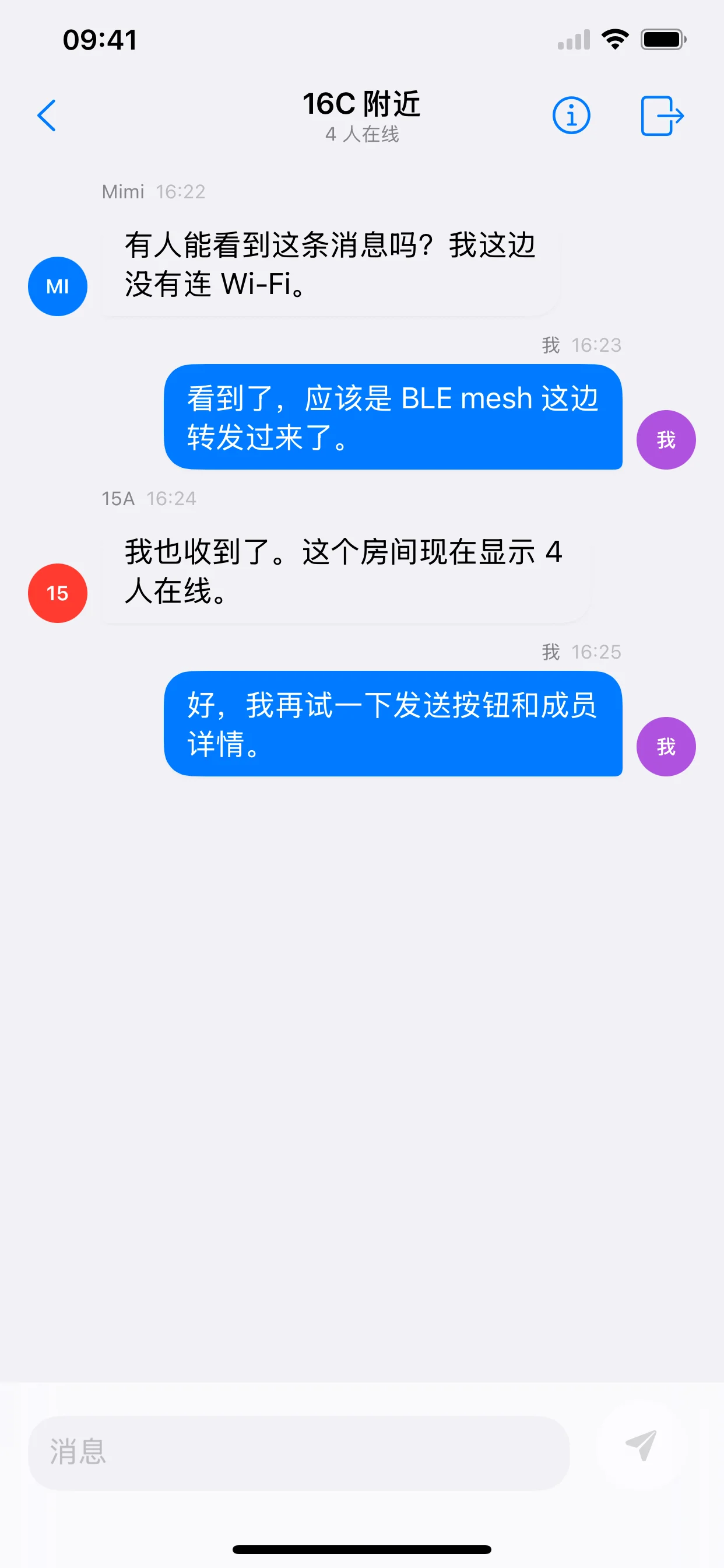
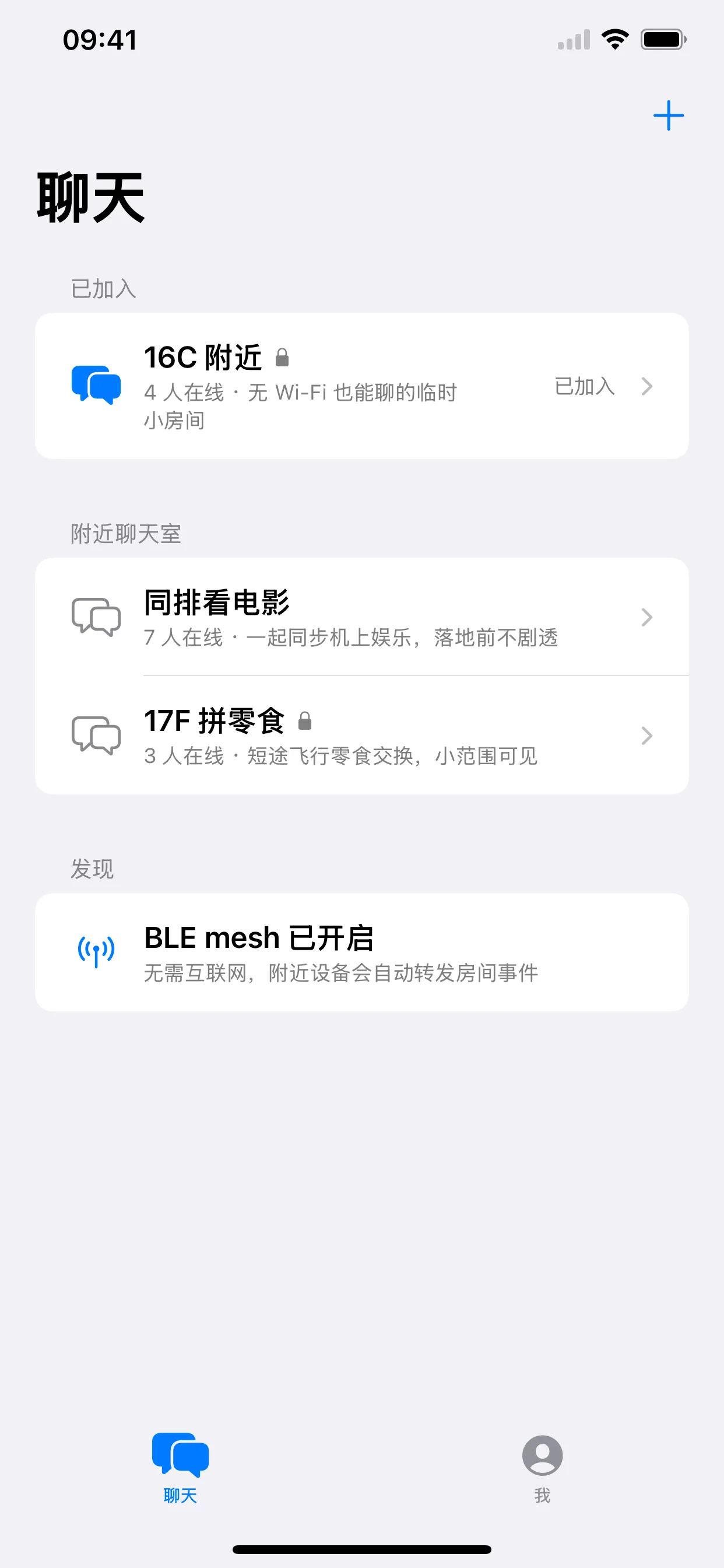
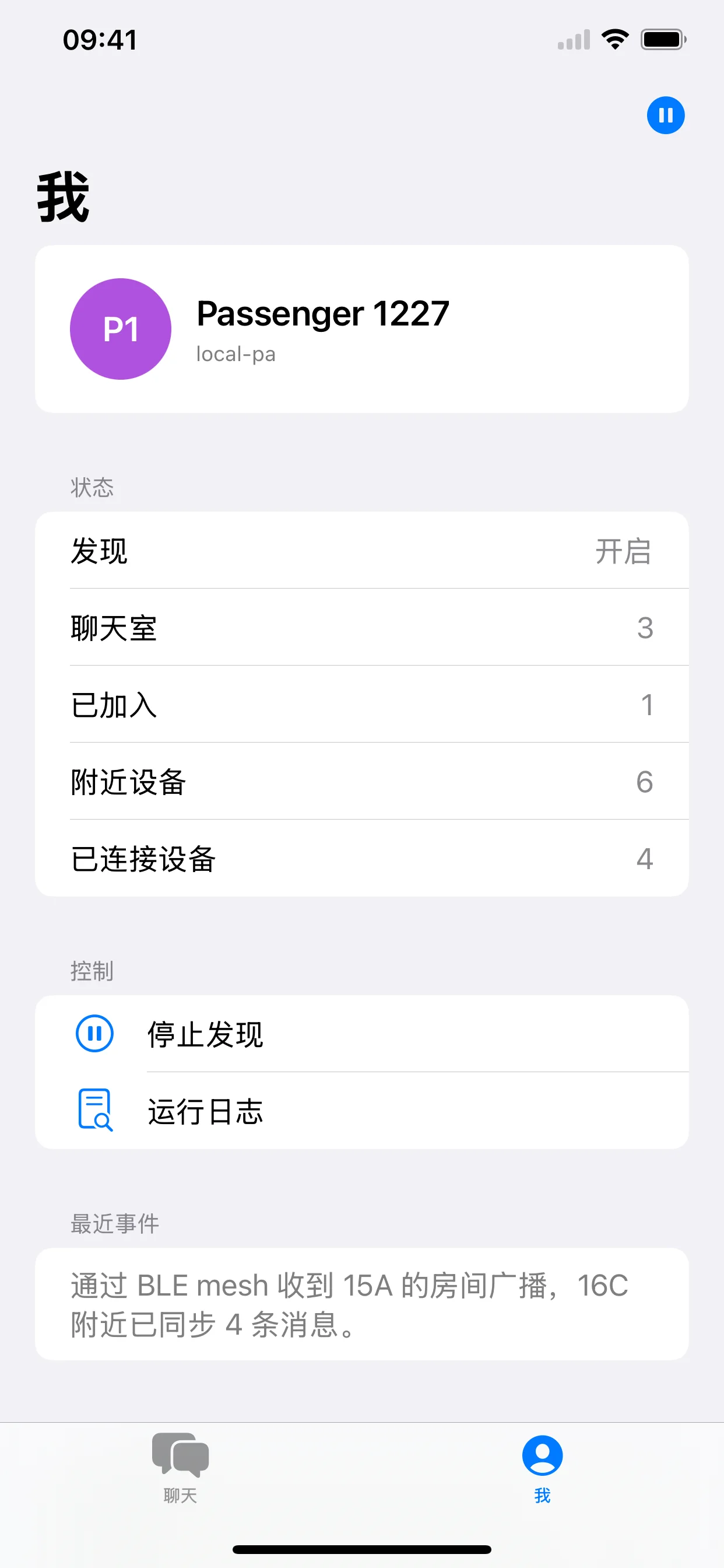
Create a room, wait for nearby devices to discover it, or join a room shown in the nearby list. Passwords are optional.
View room helpAeroMesh needs Bluetooth and local network access. In airplane mode, turn Wi-Fi and Bluetooth back on if allowed.
Troubleshoot connectionAeroMesh does not run a cloud chat server. Messages are exchanged through nearby devices and should not be used for critical emergencies.
Read privacy noticeRooms
Rooms make the nearby mesh easier to manage. A room can have a name, short description, and optional password. Other devices can discover the room only while a joined member remains nearby and the app is running.
FAQ
No internet connection is required for nearby chat. AeroMesh uses local device radios for discovery and message transport. Range and reliability depend on device model, radio state, distance, obstruction, and how many nearby devices are available.
Make sure Bluetooth and Wi-Fi are enabled, AeroMesh has Bluetooth and Local Network permissions, and both devices are awake with AeroMesh open. If airplane mode is on, manually re-enable Wi-Fi and Bluetooth when your situation allows it.
AeroMesh is designed for nearby seats or small groups. It cannot guarantee full-cabin coverage. Aircraft structure, distance, radio restrictions, and the number of active devices can limit delivery.
No. A room password is a lightweight access control for joining a room. Do not treat it as a guarantee that every message is appropriate for highly sensitive, regulated, or emergency communication.
AeroMesh may leave active rooms when the app goes to the background, and nearby discovery can become less reliable. Keep the app open when your group is actively coordinating.
Privacy
AeroMesh does not use advertising SDKs, analytics SDKs, or cross-app or cross-website tracking. It does not upload your messages to our servers. Room names, member names, and messages are exchanged with nearby devices through the local mesh, so choose room names and message content accordingly.
Contact
When reporting an issue, include your device model, iOS version, AeroMesh version, Bluetooth state, whether airplane mode was enabled, and the steps needed to reproduce the problem. Do not send sensitive chat content or passwords.